

Care for what matters, wherever you are.
Six areas of virtual care for urgent, primary, chronic, and specialty needs. Each has its own page.
Six ways to get care.
Open a portal



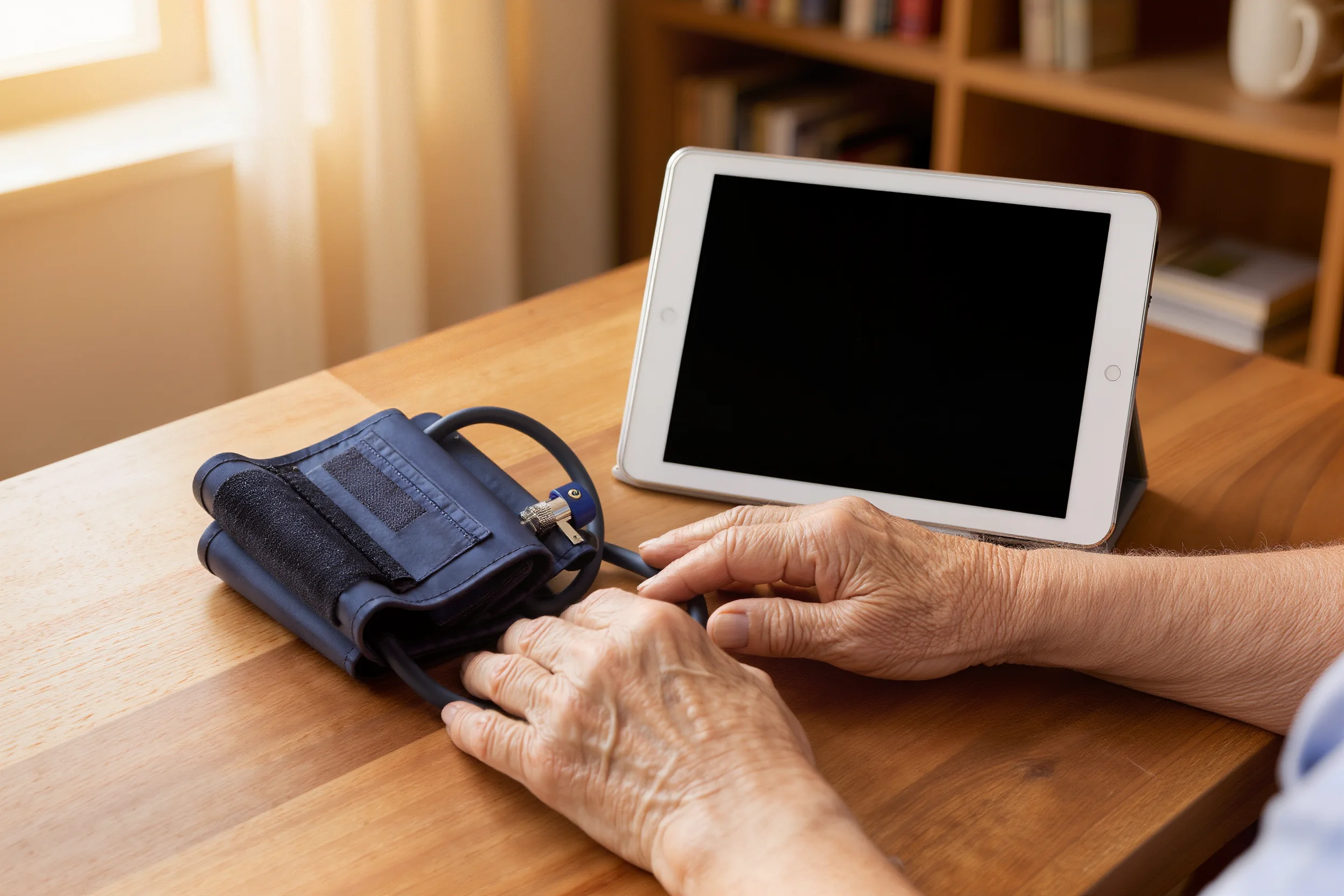

Questions, answered plainly.
Answers here are general. For anything about your own health, talk with a provider.
Contact e-TelMed
Is e-TelMed for emergencies?
No. Virtual care is for non-emergency needs. If you have chest pain, difficulty breathing, severe bleeding, signs of a stroke, or any other emergency, call 911 or go to the nearest emergency room.
How do I start a virtual visit?
Choose the care you need, then continue to the secure e-TelMed Patient Portal to sign in or create an account and request a visit.
Do you prescribe medication?
A clinician decides whether a prescription is appropriate after an assessment. Nothing on this site guarantees a prescription.
What do you offer organizations?
A telehealth stack: virtual care software, clinical hardware, peripherals, and systems integration. Start on For Organizations or Contact.
Still deciding? Browse care areas or talk with the team.
Open the Patient Portal.
Patients
Clinical visits begin in the secure Patient Portal.
Organizations
Discuss software, hardware, and integration for your care model.
If you think you are having a medical emergency, call 911 or go to the nearest emergency room. e-TelMed does not provide emergency care.